Prepper Book Builder Review: 72 KDP Topics, One Prompt
I turned one prepper topic into a full editorial brief and pasted it into my AI. Here is what the Prepper Book Builder actually does, and where it falls short.
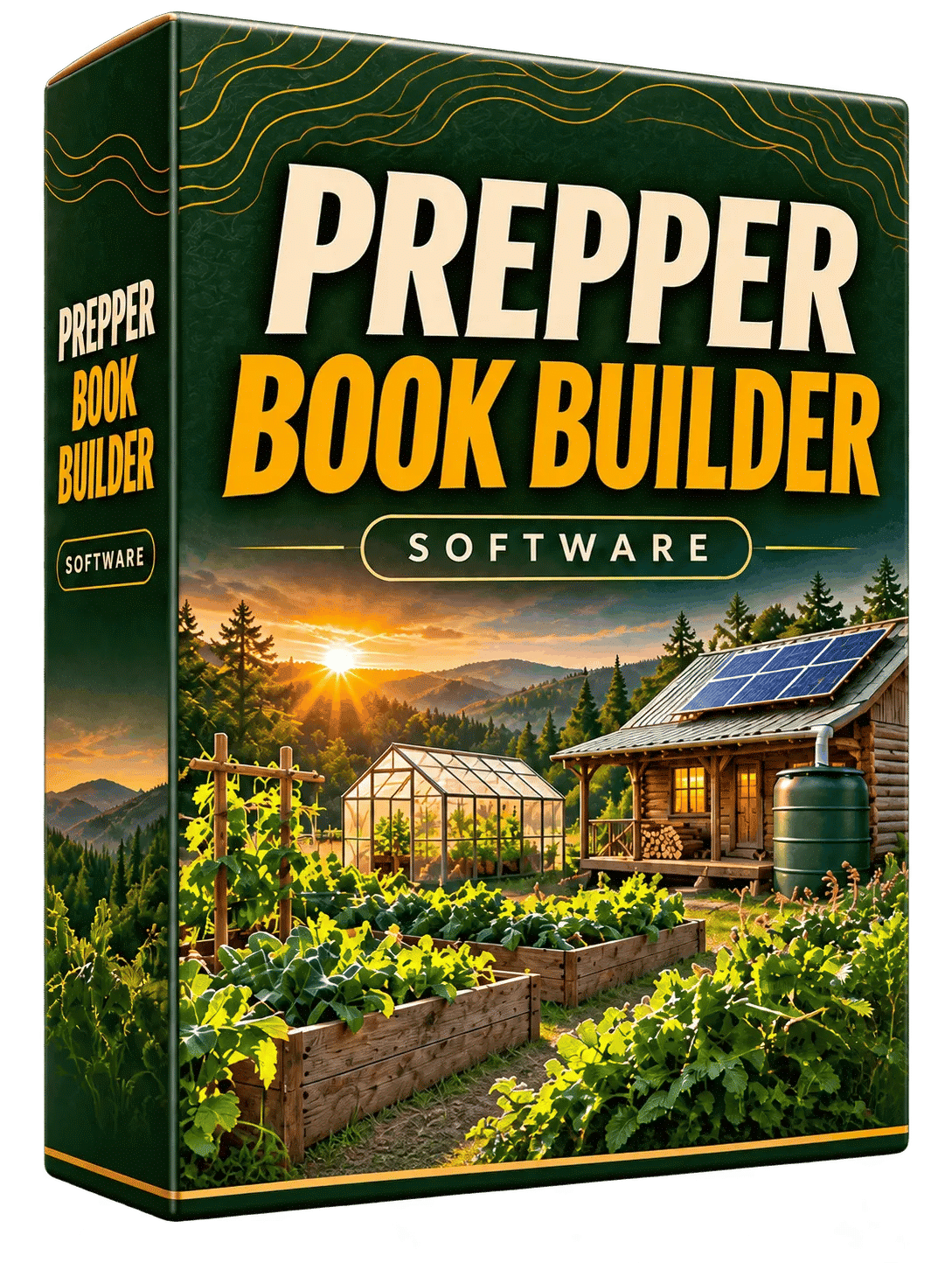
I bought Prepper Book Builder on a Tuesday night after the third time my AI handed me a "survival guide" that opened with a paragraph about how important it is to be prepared. I had paid nothing for that manuscript and I still felt ripped off. So I went looking for something that would stop the AI from filling space, found Prepper Book Builder, and paid $17 to see whether a proper brief fixed the problem.
The short version: it mostly does. The long version involves a browser tool that runs on one core idea, every chapter gets one job, and that idea turns out to matter more than I expected when I started writing.
What this thing is, plainly: Alessandro Zamboni built a browser tool for KDP publishers who want to write prepper and homesteading nonfiction with an AI. You pick a topic from 72 options, describe your reader, pick a format and a length, and the tool spits out a megaprompt. You paste that prompt into Claude, ChatGPT or Gemini, and the AI works through the book chapter by chapter following a plan you approve first.
It is not a book generator. You still need an AI subscription. The builder writes the brief. The AI writes the book. That distinction is the whole product and it is also the thing that will make some people close the tab.
Our Verdict
Prepper Book Builder
A good editorial brief generator for prepper KDP books. Worth $17 if you already pay for an AI.
Browser tool, instant access, no download
What You Actually Get
For the $17 I paid, here is the full inventory.
- The Prepper & Homesteading Book Builder itself, hosted on Zamboni's site. Nothing to download or install.
- 72 topics spread across nine families.
- Six ready-made topic bundles: The Year-Round Working Pantry, The Harvest-to-Pantry Handbook, Small-Space Homestead, Off-Grid Power Planning for Beginners, The Water-Wise Homestead, and The First-Year Backyard Homestead.
- Four book formats: practical handbook, step-by-step course in book form, seasonal planner, desk reference.
- Three length ranges: Compact at 12,000 to 18,000 words, Standard at 25,000 to 40,000, Reference at 45,000 to 65,000.
- Reader customization fields: skill level, household, renter or owner, available space, climate, country and region, language and units, plus free-text fields for budget, limits and title ideas.
- A chapter-by-chapter workflow with built-in commands and progress tracking.
- The Publishers Launch Kit Builder, bundled in at no extra cost.
The launch kit is the part I did not expect to care about and ended up using more than the book builder on the second project. It handles the second half of publishing: title options, keywords, categories, the description, back cover copy, author bio, A+ content plan, cover prompts, and a compliance check that runs before anything else.
Key Features
The One-Job Chapter Brief
This is the spine of the whole thing. Before your AI writes a single sentence, the generated prompt assigns every chapter a distinct practical outcome. Could be a decision the reader makes, a record they fill in, or a system they understand. The point is that no two chapters do the same work, so the AI has no room to repeat itself in different words.
If you have ever read back an AI manuscript and found Chapter 3 restating Chapter 1, you know why this is the feature that matters. It is the reason the book does not wander.
Reader Customization
The builder counts 326,592 ways to tailor a single topic based on the fixed settings, and about 23.5 million setups across all 72 topics before you add your own free text. I cannot verify that arithmetic independently, but I can tell you the practical effect: a pantry book for two adults in a small apartment comes out very differently from one for a large rural family. The AI is told who it is writing for, so it stops giving advice that assumes a basement and a chest freezer.
Worked Examples, Worksheets and a Source Ledger
The brief instructs the AI to include worked examples with clearly labeled assumptions, plus worksheets, logs and checklists suited to the topic, plus an appendix and glossary, plus a source ledger with consolidated references. That last one matters for prepping books, where you want to know whether the water storage numbers came from somewhere real.
Progress Tracking for Long Books
If you pick the Reference length, the book runs 45,000 to 65,000 words. No AI holds that reliably in one go. The prompt includes progress tracking so the AI keeps its place across installments, and a final editorial handoff listing anything left to check before you publish. The handoff list is a nice honest touch.
The Publishers Launch Kit Builder
Four short steps, then you copy the prompt into a new chat and attach the manuscript. You type DONE to get the compliance report, FIX ALL to repair what it finds, then KIT and NEXT for each asset, and SAVE to come back later. The compliance pass looks for risky claims, missing disclaimers and leftover [VERIFY] markers. Given how often AI drafts leave those markers in, I think the compliance check alone is worth a chunk of the entry price.
Actually Using It
My first project was a compact pantry guide for a renter in a wet climate. Step one took under a minute: I picked a topic from the pantry and long-term food storage family, skipped the bundles because I wanted to see the raw options first. The nine families are laid out reasonably: homestead design, pantry and food storage, preservation and the harvest kitchen, gardening and seed independence, water and sanitation, off-grid power, small livestock, repair and resource loops, household operations and seasonal routines.
Step two is where I spent most of my time, and I think that is correct. I filled in skill level, a two-adult household, renter, small space, temperate wet climate, UK region, metric units. I added a budget limit in the free text and a rough title idea. The more honest you are here, the less generic the output. When I first rushed through this step and left half the fields blank, the resulting prompt was noticeably thinner.
Step three, I picked practical handbook at Compact length. Then step four generated the megaprompt.
The prompt came out long. Mine ran several screens in a plain text block. I copied it into Claude, pasted it, and the AI came back first with a proposed table of contents and three title and subtitle options. I adjusted one chapter because the order did not make sense for a renter with no cellar, approved the plan, and let it start writing.
About an hour later, by my own rough timing, I had a 25,000-word structured guide. That matches what Zamboni reports from his own test, and I did not expect it to.
The manuscript had a table of contents, chapters that actually did different things, worksheets with blank lines, and a glossary. I read the pantry rotation chapter twice because it explained a first-in-first-out system with an actual worked example (fourteen days of dry staples for two people, stated assumptions) and I had not seen an AI do that before without being told.
It was not publishable. I want to be clear about that. The voice was flat in places. One chapter had the AI hedging on a storage temperature it clearly did not know, and the source ledger flagged it for checking, which is the system working but also proof you still have to do the work. I spent another three hours editing, rewriting two sections, and cutting about 800 words of filler that the one-job rule did not catch.
Second project went faster because I knew which fields mattered. I used the launch kit builder on it too. The compliance check caught a claim in my draft about food safety that would have been a problem, and the keyword section gave me seven phrases with backups. The cover prompts specify 1,600 × 2,560, which is the KDP ebook cover size, so no guessing there.
The editor in me has one persistent complaint: you cannot see what the prompt will contain before you generate it, so if you want to tweak the wording you tweak it after pasting it into your AI. That is a minor annoyance, not a dealbreaker, but I would have liked a preview field.
If you want to look at the tool before paying, the page is at this link.
Stop feeding your AI one-line prompts
Instant access. Works with ChatGPT, Claude or Gemini.
Pricing and Value Analysis
I paid $17. The sales page runs a dimesale model, where the price rose $0.10 every ten sales until it hit that $17 ceiling. It is at the ceiling now, so you are not going to catch it cheaper by waiting. The page also mentions several other figures, including a handful tied to the sales and revenue data of particular books, not products you buy. I have left those out of the table because they are not part of what you are paying for.
The real cost of using this is the AI subscription you already have or will need. Claude, ChatGPT and Gemini all have paid plans; the builder assumes you are on one of them. If you are not, add that monthly cost to your mental math before you buy.
| Option | Cost | What you actually get |
|---|---|---|
| Prepper Book Builder | $17 one time | 72 topics, 4 formats, 3 lengths, the megaprompt workflow, launch kit included |
| Doing it yourself with a blank prompt | Free | Whatever the AI improvises, usually repetitive with no worksheets |
| Hiring a human outline or editor | Not on the sales page | Better prose, but weeks of turnaround and a much higher price |
| AI subscription | Whatever you already pay | Mandatory. The builder does not write the book for you |
Judged purely against a blank prompt, $17 is small. Judged against the time you would spend building an editorial brief yourself for every book, it pays itself back on the first project. That is my honest read of the value, and I am the kind of buyer who resents every upsell.
Pros and Cons
Here is the honest side-by-side. I have no complaints about the core feature, but there are real limitations you should know about before you click.
Pros
- The one-job chapter rule kills repetition before it starts
- Reader customization makes the book fit the actual buyer
- The launch kit builder is genuinely useful and included
- The compliance check catches risky claims before publishing
Cons
- You still need a paid AI subscription to write anything
- The manuscript needs real editing before it is publishable
- You cannot preview or edit the prompt before generating it
- Wilderness, tactical and medical topics are deliberately outside scope
Who This Is For
You publish on KDP, you have at least one AI subscription, and you are tired of writing prompts that turn into 20,000 words of generic advice. You want practical nonfiction in a category that does not go out of season the way a trend does. People plan a working pantry before winter, plan a garden in late winter and read about water storage after a dry summer. The reader for these books buys them every year, which is what makes the genre attractive for a publisher with one or two titles already selling.
It also suits you if you have never written a proper brief in your life and would not know where to start. The builder does that part for you.
Who Should Skip It
Skip it if you have no AI subscription and do not want one. This is not a book generator, and without an AI to paste the prompt into you have bought a text document.
Skip it if you want to publish wilderness survival, tactical, weapons or medical-treatment books. The builder deliberately excludes those, and Zamboni says so directly. Also skip it if you are looking for a hands-off way to publish without editing, because the draft I got needed real work before I would have put my name on it. And skip it if you are already building custom briefs that beat what this generates. You will not get $17 of new value out of a system you have already solved.
Frequently Asked Questions
Is the Prepper Book Builder worth $17?
Yes for most KDP publishers who already pay for an AI. The one-job chapter rule alone fixes the repetition problem that wastes hours of prompting. The bundled launch kit builder adds real value on top of that. It is not worth it if you have no AI subscription or already build your own briefs.
What exactly does the Prepper Book Builder do?
It generates an editorial brief and a megaprompt for prepper and homesteading books. You pick from 72 topics, describe your reader, choose a format and length, then paste the prompt into Claude, ChatGPT or Gemini. The AI writes the manuscript following the plan. You approve the table of contents before writing starts.
Does it work with ChatGPT or Claude?
Yes, both, plus Gemini. The sales page specifically mentions Claude as Zamboni's own tool, and the workflow commands are AI-agnostic. The builder runs in your browser, and the prompt is plain text you copy and paste. Nothing is installed and nothing is generated inside the tool itself.
How long are the books it produces?
Three length ranges: Compact at 12,000 to 18,000 words, Standard at 25,000 to 40,000, and Reference at 45,000 to 65,000. The Reference range includes progress tracking so the AI holds its place across instalments. Zamboni reports a 25,000-word guide in roughly an hour of AI time from his own test.
Can I sell the books I make with it?
Yes. The sales page states plainly that you can sell every book you create with it and the royalties are yours. There is no restriction on publishing what you write. Bear in mind that KDP has its own rules about AI-assisted content, which you should check yourself before you publish.
What about refunds?
I did not find a refund window on the page, so I cannot tell you one exists. Check the checkout terms before you buy. At $17 the risk either way is small, but I would not want to promise you something the seller has not said.
What are the alternatives?
You can build prompts from scratch, which is free but slow and inconsistent, or pay a human editor for an outline at a much higher cost. The Prepper Book Builder sits in the middle: cheap, fast, and dependent on you to do the editing.
Final Verdict
I came in expecting to find another thin prompt pack and I got something better than that. The one-job chapter rule is a real editorial idea, and the reader customization is what turns it from a gimmick into a system that produces a different book for a renter in a wet climate than for a rural family with livestock. The launch kit builder was the surprise, and the compliance check is the feature I did not know I wanted.
The limits are real. You need an AI subscription, the draft needs hours of editing before you can publish, and the out-of-scope topics include some of the most obvious prepper subjects. But $17 for a browser tool that saves a full evening of prompt engineering per book, plus a launch kit on top, is a reasonable trade. I will use it again. If that sounds like your situation, the page is here and the entry price is still $17.
Related Posts

Luxury Lace Holiday Collection Review: 714 PLR Prompts
I spent a weekend generating sheets from the Luxury Lace Holiday Collection to see if 714 ChatGPT prompts actually produce sellable printables. Some sheets impressed me, one needed three retries.

WellPrint Review: I Made a 30-Day Wellness Plan in Four Minutes
I timed WellPrint from blank page to a finished 30-day plan PDF. Under four minutes, and the words were the part I'd normally lose a weekend to. Here's the honest breakdown.
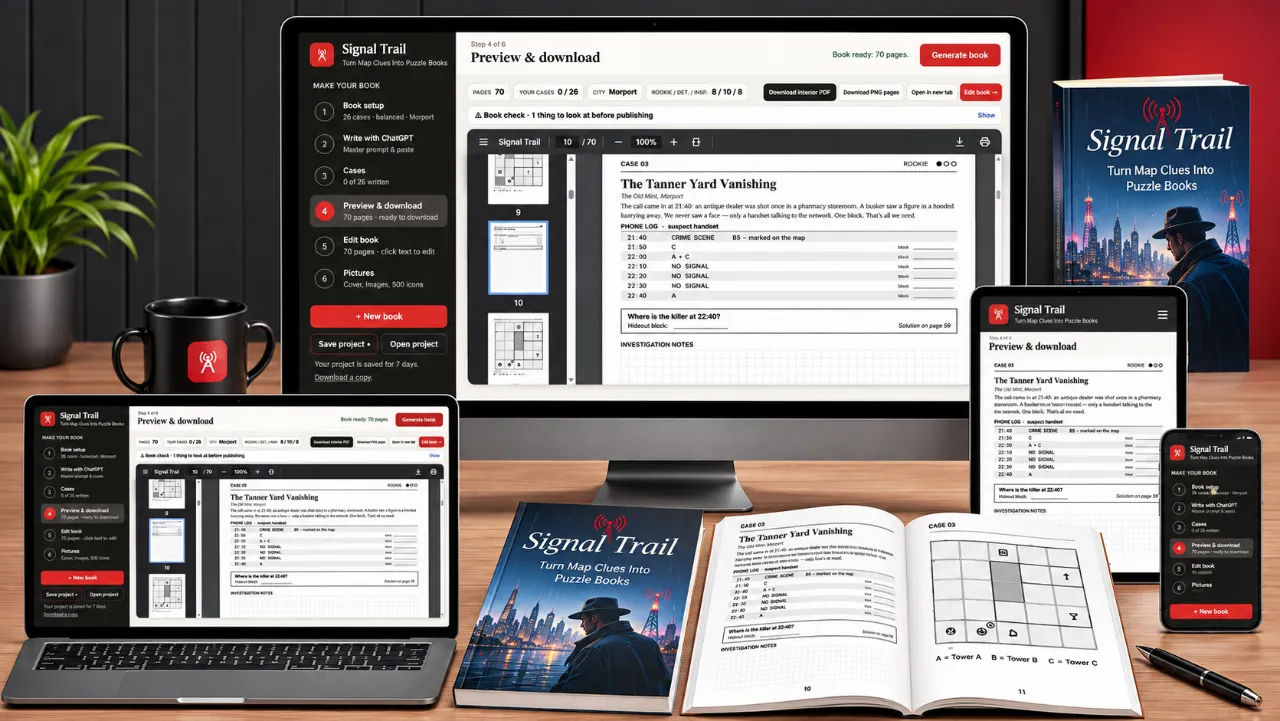
Signal Trail Review: Map Clue Puzzle Books
I built a 30-case detective puzzle book in an evening and only cried once. Here is what Signal Trail actually does, and where it annoyed me.
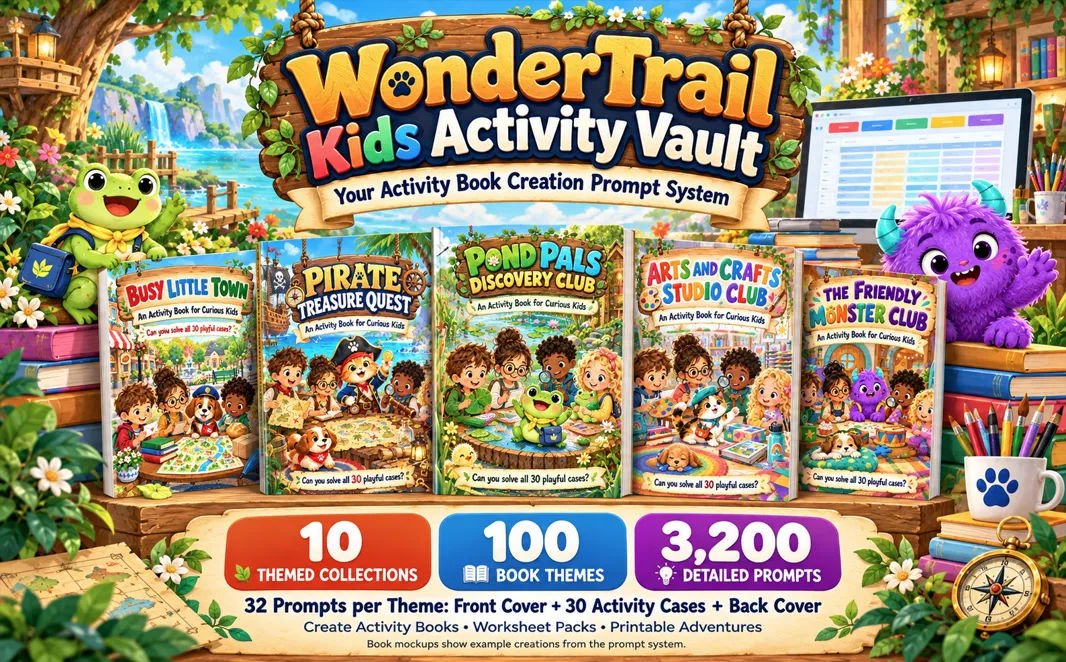
WonderTrail Kids Activity Vault Review: 3,200 Prompts for $17
I bought WonderTrail Kids Activity Vault to see whether 3,200 structured prompts really beat starting from a blank page. It does, with one big caveat about ChatGPT.
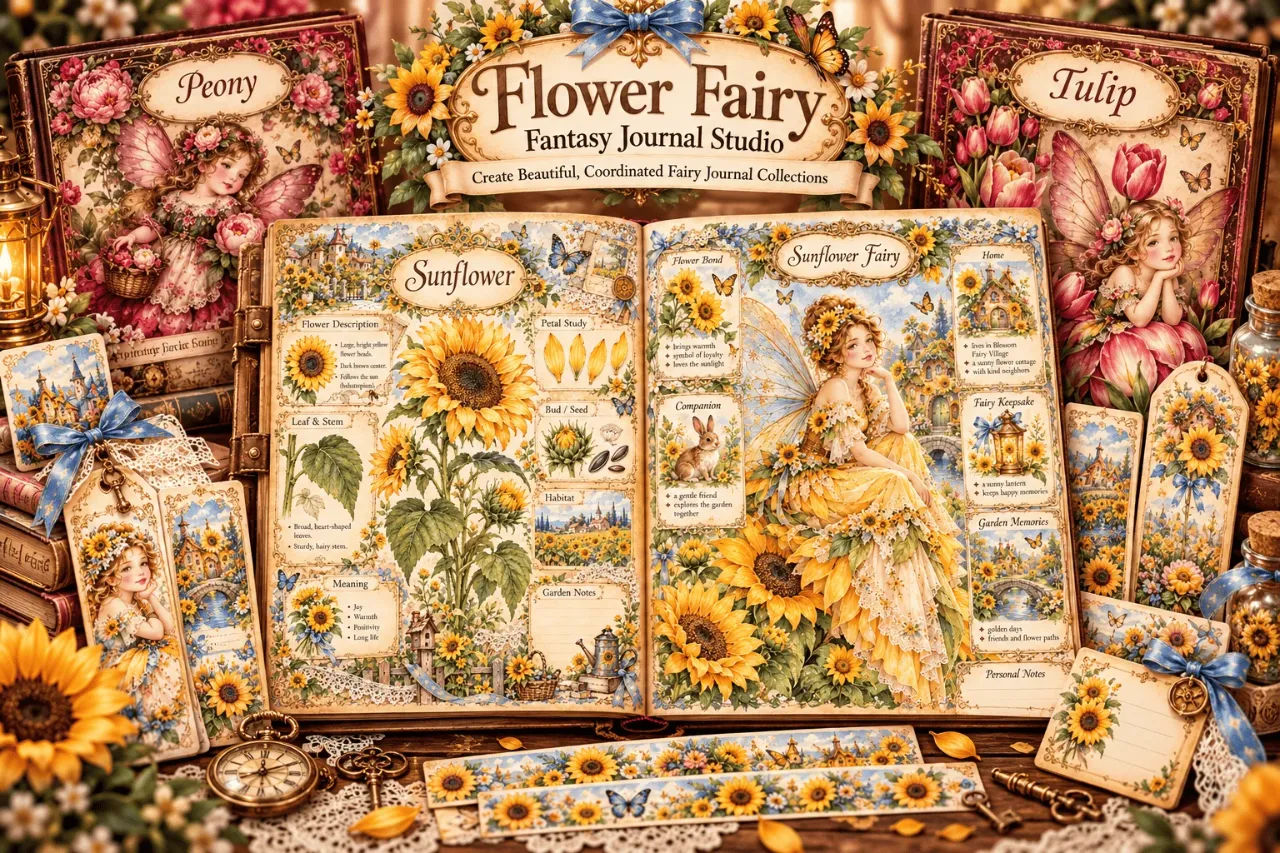
Flower Fairy Fantasy Journal Studio Review
I spent an afternoon with a $17 prompt app that writes fairy journal prompts for AI image tools. It does one narrow job well, and it does not make pictures.
Vintage Museum Crafts AI: 627 Prompts, Honestly Reviewed
A prompt library of 627 image prompts across 19 museum niches, plus an online app for prepping files. I ran it through ChatGPT and here is what came out.